Using BMC Web Interface
To initially access the BMC's Web interface:
|
1.
|
Connect the BMC's Ethernet port on your device to the network with DHCP service. |
|
2.
|
When the SBC application runs, the BMC IP address is displayed on the LCD display of the device. |
|
3.
|
In your web browser, enter the URL https://<BMC IP Address>. |
Only secured HTTPS is supported.
|
4.
|
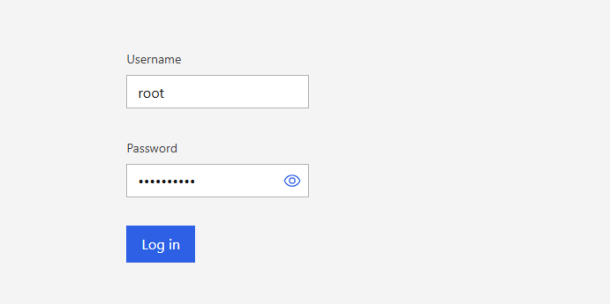
Enter the following credentials: |
|
●
|
Password: IRIS + <last six digits of BMC MAC address, e.g., IRIS42F3E6> |
The BMC MAC address is located on a label on the device’s chassis.
|
6.
|
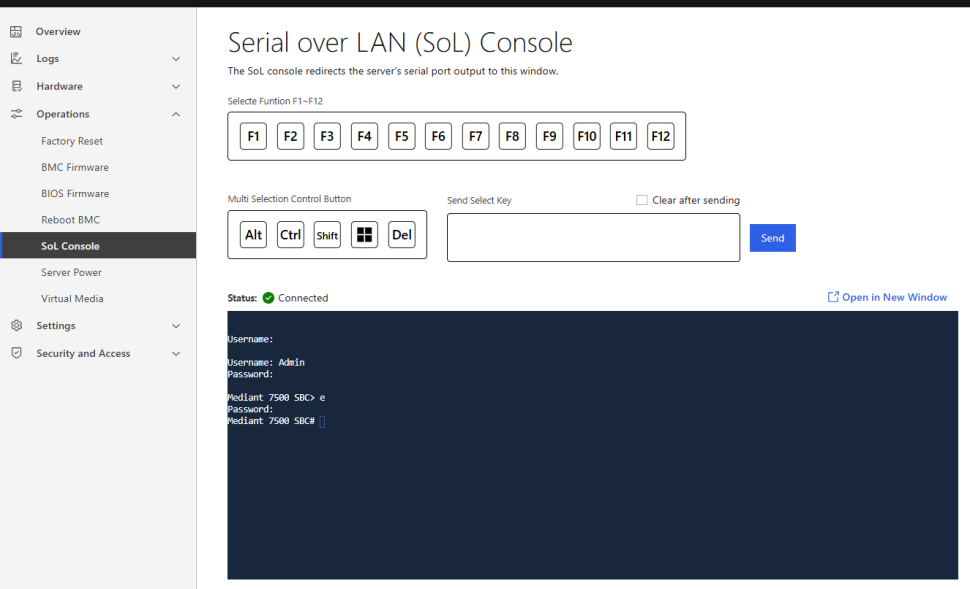
Navigate to Operations > SoL Console to access the remote terminal to the device: |